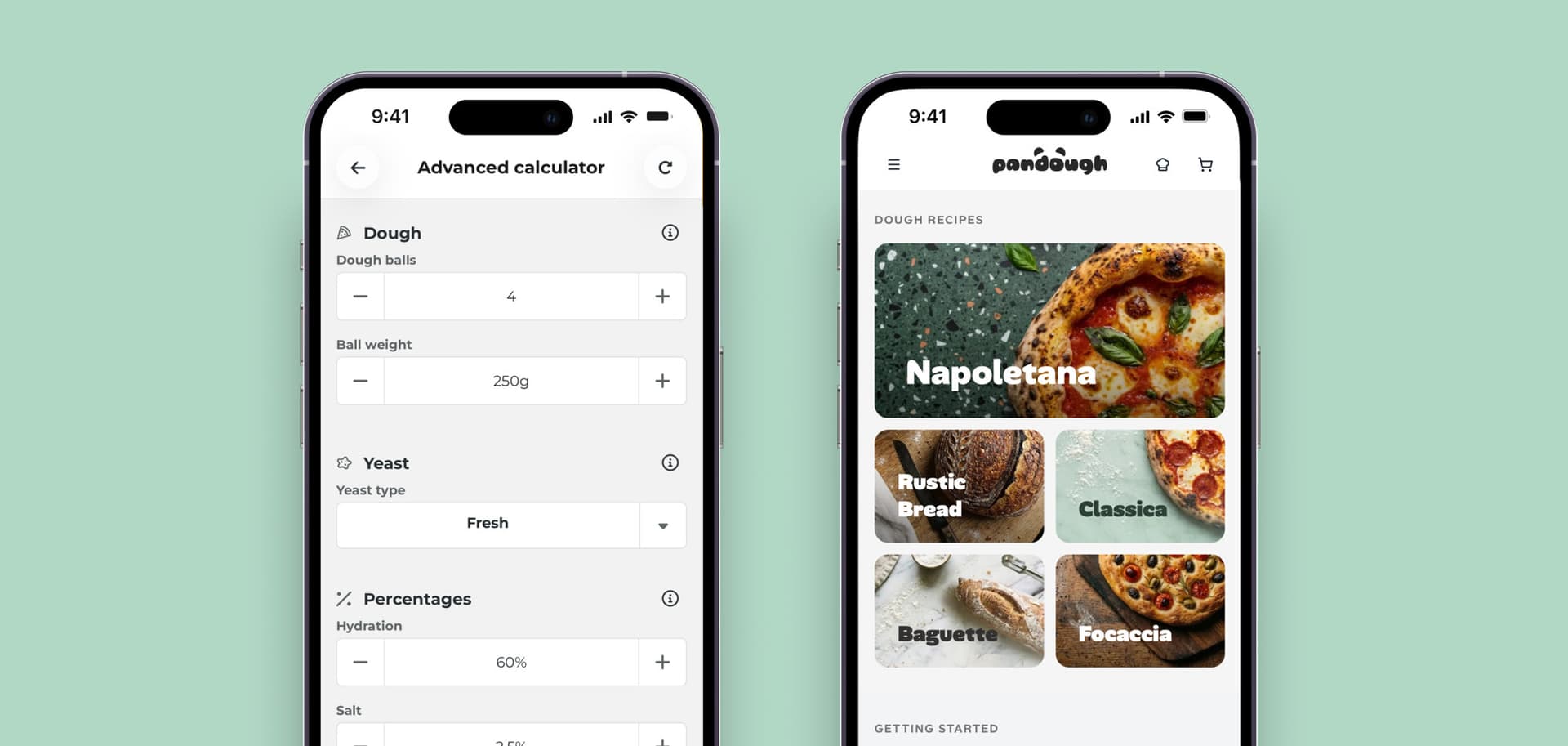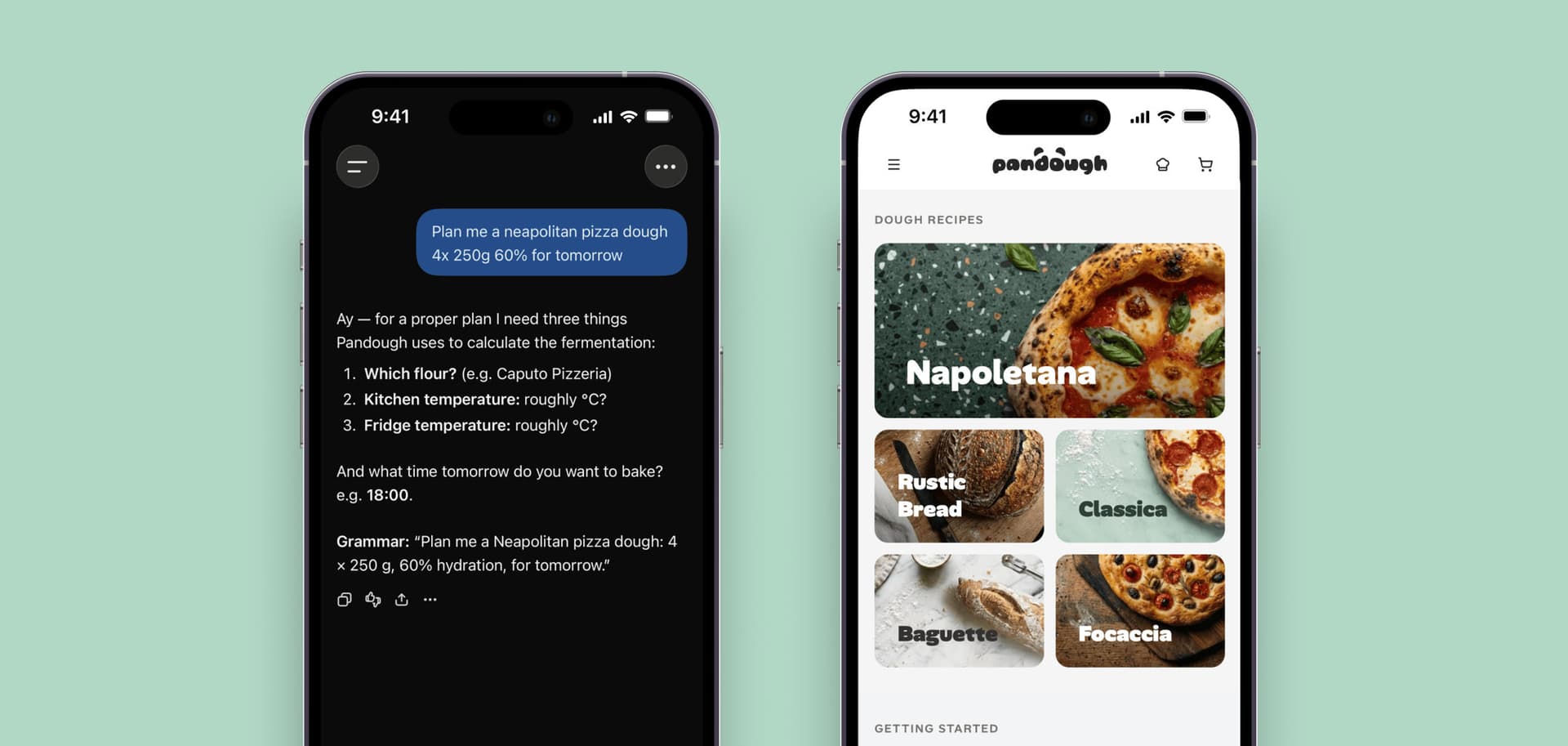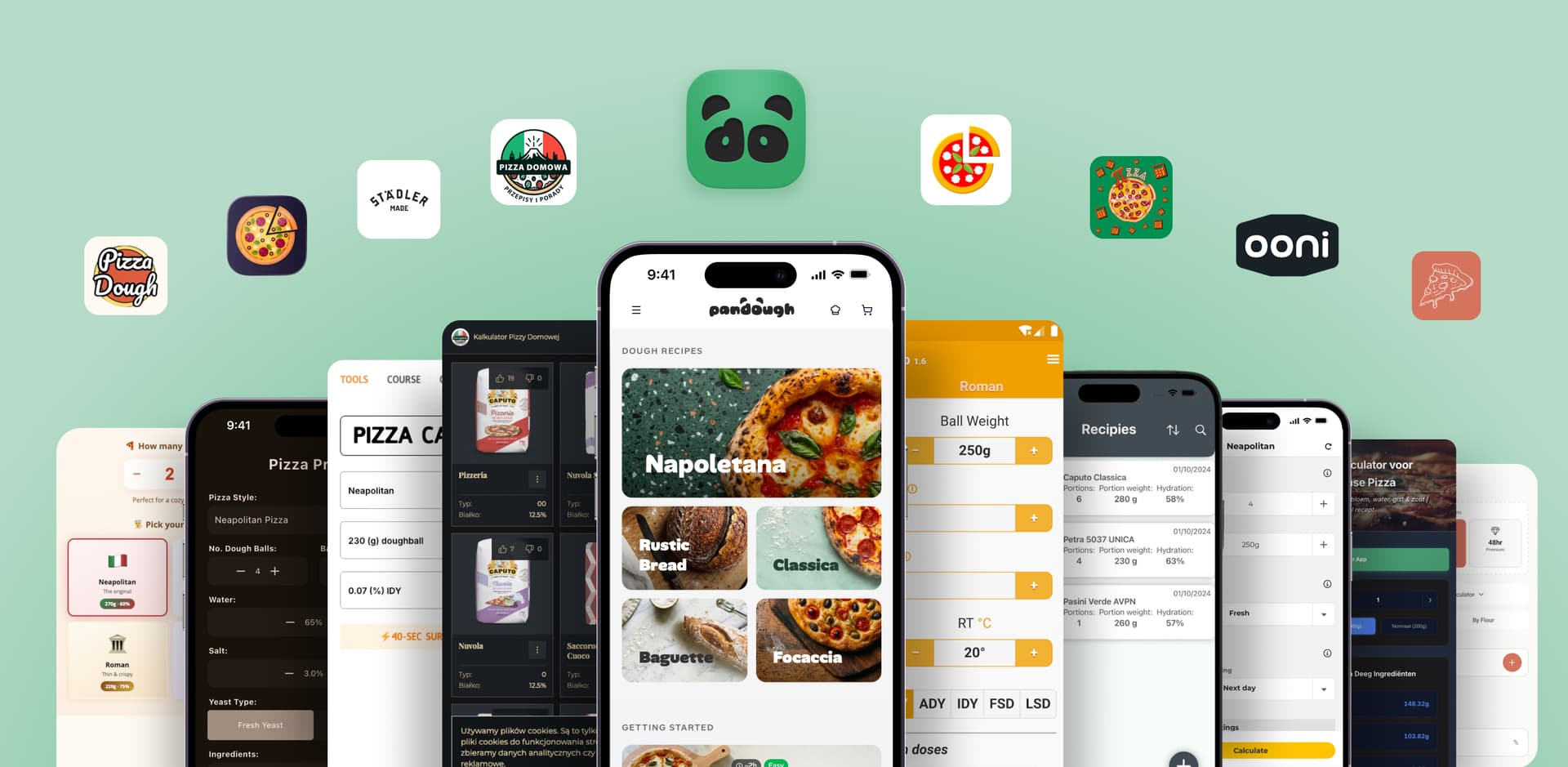

Pandough vs PizzApp
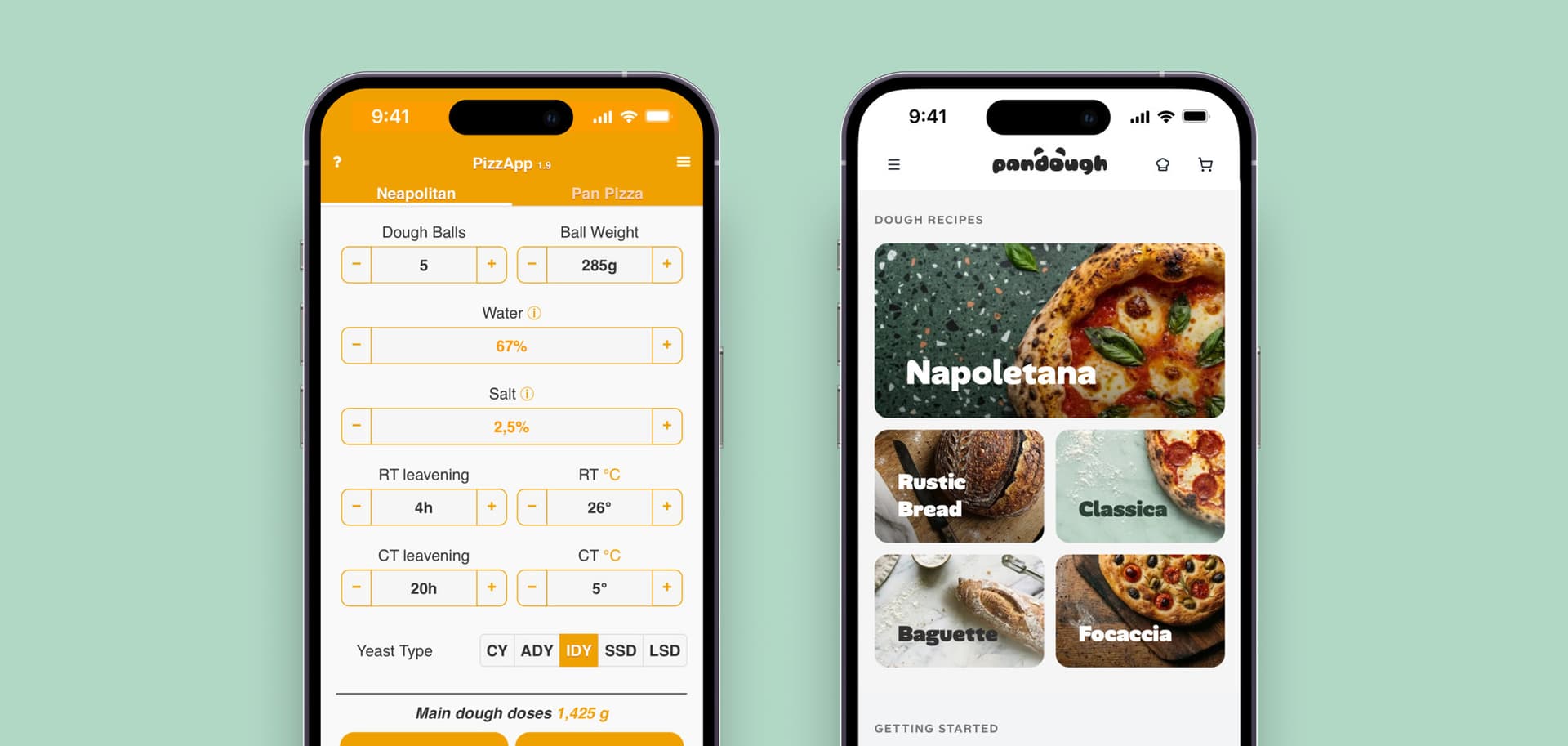
PizzApp does what it was designed to do very well: it turns the parameters you enter into a precise formula. If you understand fermentation, know your flour, and can see when a dough is heading towards over-fermentation, it is fast and reliable.
Pandough moves some of that judgment into the software. It asks about the flour and oven you use, follows the fermentation schedule, and warns when hydration, time, or temperature may not suit the dough you are planning. It explains why, too.
| Pandough | PizzApp |
|---|---|
| For people who want their plan checked and guidance through the bake | For experienced people who can judge the plan themselves |
| Starts with flour, oven, temperatures, and serving time | Starts with style, quantity, time, temperature, and your own settings |
| Explains warnings about hydration, flour limits, and the schedule | Calculates quickly and gives very few warnings |
| Combines the formula, fermentation, and bake steps | Works best with saved, proven recipes |
PizzApp vs. Pandough, stejné těsto
PizzApp 1.9 (iOS), droždí odečteno z obrazovky. Sedm rozvrhů, 4 × 250 g, 60% hydratace, 2,5 % soli, čerstvé droždí. PizzApp nemá pole pro mouku, takže jeden řádek. Pandough s moukou Caputo Classica (W 230) a Petra 5037 (W 320).
When PizzApp is the right choice
Choose PizzApp when you understand the process and its shortcuts, and can judge the dough without an app explaining it. It is fast, precise, and free. It is especially suited to saved formulas that work in your kitchen with the flour you use.
When Pandough is the right choice
Choose Pandough if you need more than a formula. It brings the whole pizza-making process into one plan and explains why a hydration, flour, or schedule may not work. It earns its keep when you change flour, oven, or temperature, and when pizza needs to be ready at a particular time.
How to use Pandough as an app
Pandough opens in a browser, but you can add it to your device and launch it from your home screen, app list, dock, or Start menu. There is nothing to download from an app store.
iPhone or iPad
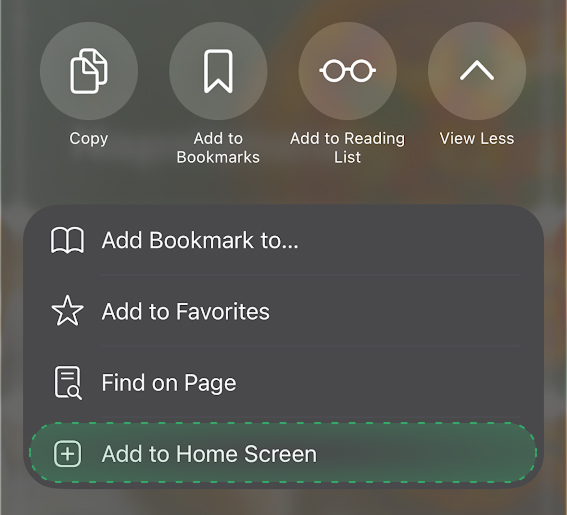
Open pandough.app in Safari, then follow this path:
- Three-dot menu
- Share
- More
- Add to Home Screen
- Add
Open Pandough from the new home-screen icon. On iOS, this version is also needed for bake reminders.
Android
Open pandough.app in Chrome, then follow this path:
- Three-dot menu
- Install app or Add to Home screen
- Confirm
Pandough will appear alongside your other apps.
Desktop
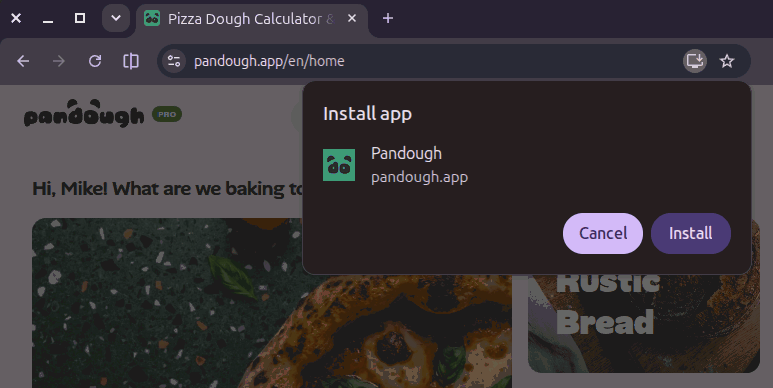
Open pandough.app in Chrome, Edge, or Brave, then follow this path on the right side of the address bar:
- Install
- Confirm
Pandough will open in its own window and can remain in your dock or Start menu.
FAQ
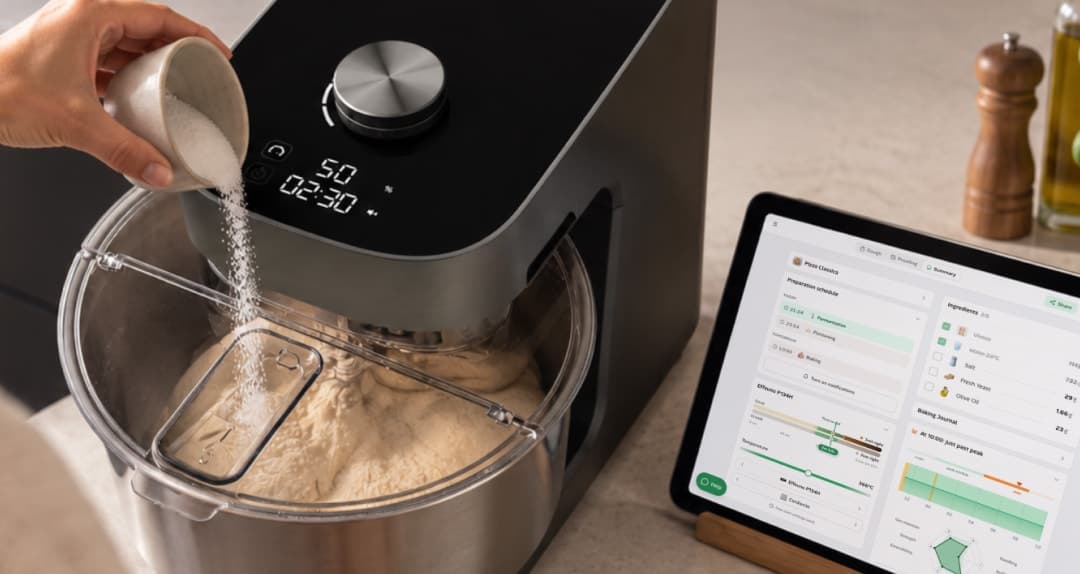
Co je Pandough?
Pandough je správce těsta, který sestaví přesný plán podle tvé mouky, kuchyně, pece a časových možností.
Vyzkoušet kalkulačku